
1
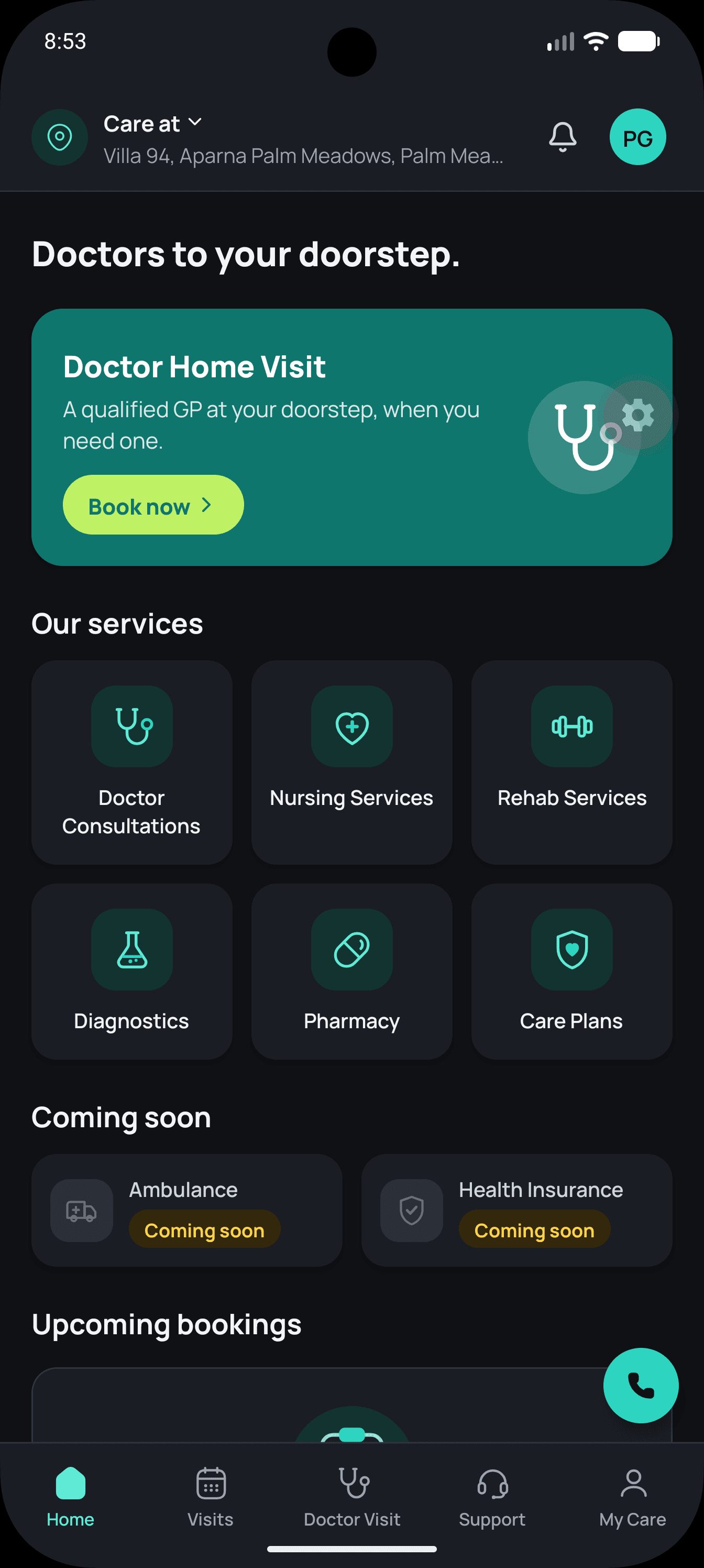
Open My Care
Sign in to the Family Doctor app, then open My Care from the bottom navigation.
Request deletion of your Family Doctor account and eligible associated data in the app or by emailing our care team.
In-app guide
Follow these steps in the Family Doctor app. Your request is reviewed by our care team before eligible data is deleted or anonymized.
Sign in to the Family Doctor app, then open My Care from the bottom navigation.
Sign in to the Family Doctor app, then open My Care from the bottom navigation.
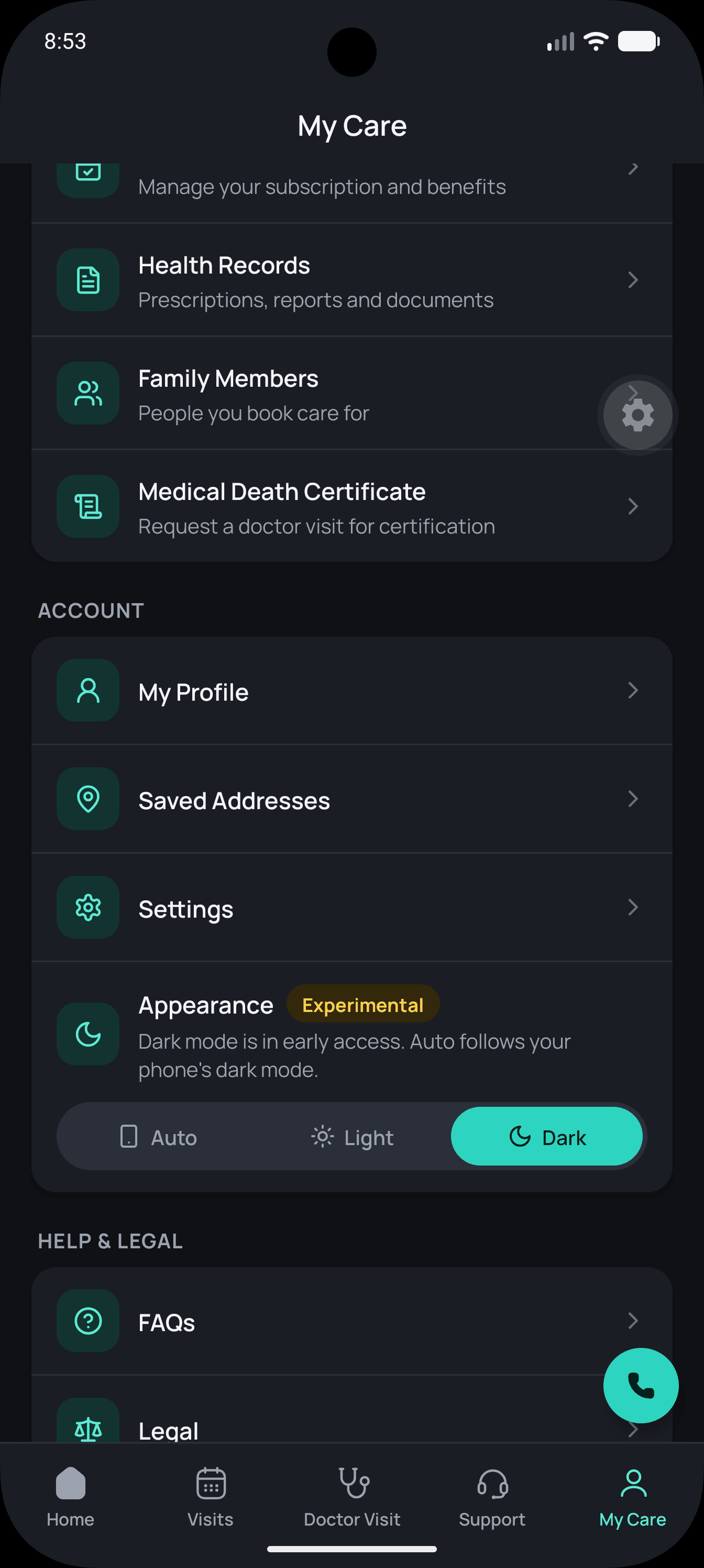
In My Care, scroll to Account and select Settings.
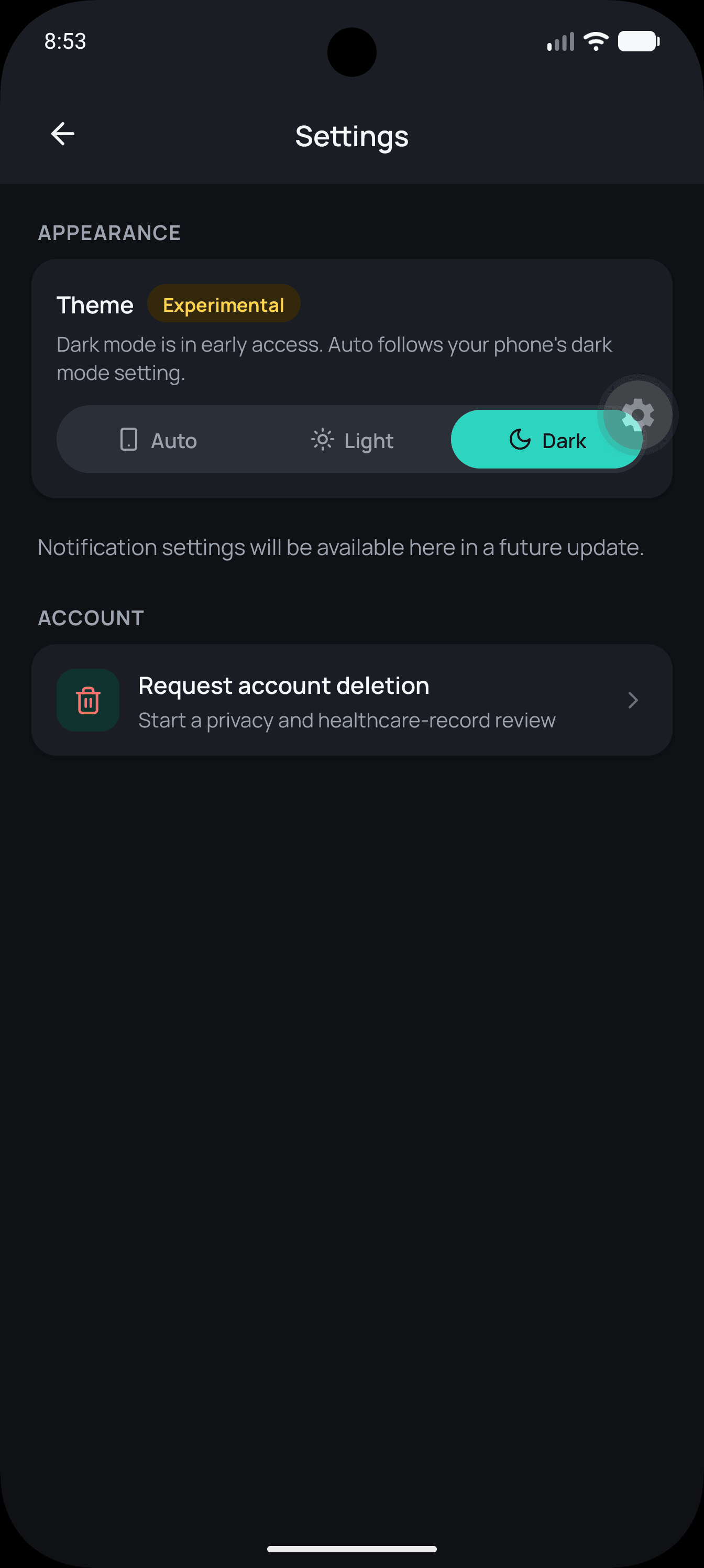
Under Account, select Request account deletion.
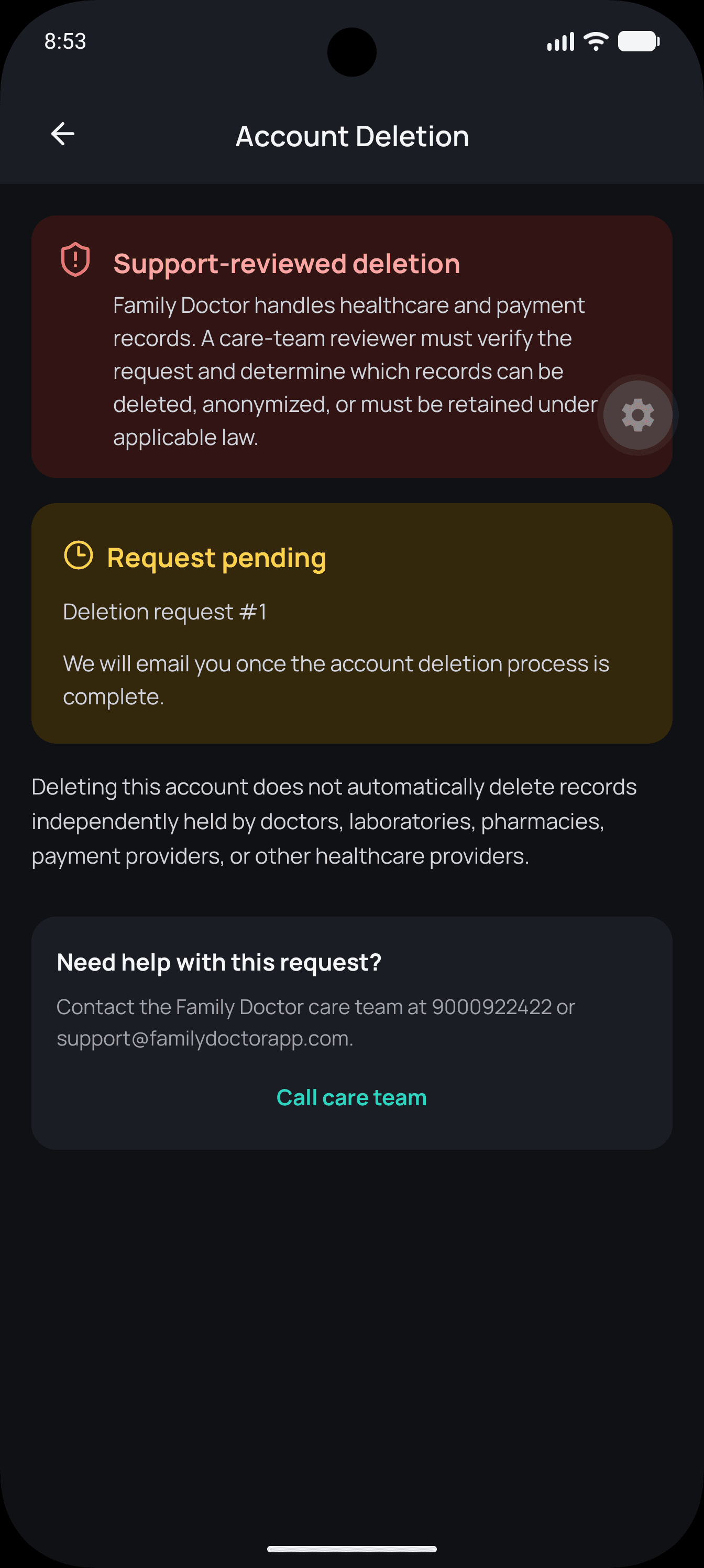
Optionally enter a reason, then tap Submit deletion request and confirm.
Email request
Email support@familydoctorapp.com with the subject Account Deletion Request.
Include:
Our care team may contact you to verify your identity.
Email Account Deletion RequestData handling
Your account and eligible profile and application data will be deleted or anonymized.
Clinical, billing, payment, fraud-prevention, audit, tax, regulatory, or legal records may be retained where required by applicable law.
Data independently held by doctors, laboratories, pharmacies, payment providers, or other healthcare providers is not automatically deleted by deleting your Family Doctor account.
We will email you when the account deletion process is complete. See also our Privacy Policy.
Contact the Family Doctor care team for account and privacy questions.